

Home-based businesses grow into a mess of channels: some sales at markets, some through Instagram DMs, some from a website, some to friends who pay by e-transfer. A mobile POS for a home business isn't about looking like a big shop — it's about having one inventory and one set of records instead of four that never reconcile.
Key takeaways
- The value is one source of truth across home, market and online sales.
- Your phone or tablet plus a card reader is a complete mobile till.
- Track stock properly from the start — retrofitting it later is painful.
- Keep clean tax records from day one; it makes filing and growth much easier.
- Cloud POS with no contract means a part-time business isn't locked into anything.
The multi-channel problem
Say you make candles. You sell at two weekend markets a month, take orders through Instagram, ship from a small online store, and occasionally sell direct to a local shop. Without a system:
- You don't know true stock until you count boxes in the spare room
- You oversell a scent online that you sold out of at Saturday's market
- Your "revenue" is a bank balance minus a guess
- Tax time is a reconstruction project
One POS behind all channels fixes each of those, and the setup takes an afternoon.
What you need
| Item | Cost | Notes |
|---|---|---|
| Phone or tablet | $0 (owned) | Your register |
| Card reader / terminal | From processor | Card, tap, wallets |
| Receipt printer | Optional | Digital receipts often suffice |
| Barcode scanner | Optional | Useful past ~50 SKUs |
| POS software | $30/month | No contract |
Start with the phone and the card reader. Add hardware only when a specific annoyance justifies it.
Selling at markets
Markets are where home businesses make their margin and lose their records. Practical setup:
- Cellular data or hotspot — market Wi-Fi is a myth
- Charged power bank — a full day of screen-on time drains a phone
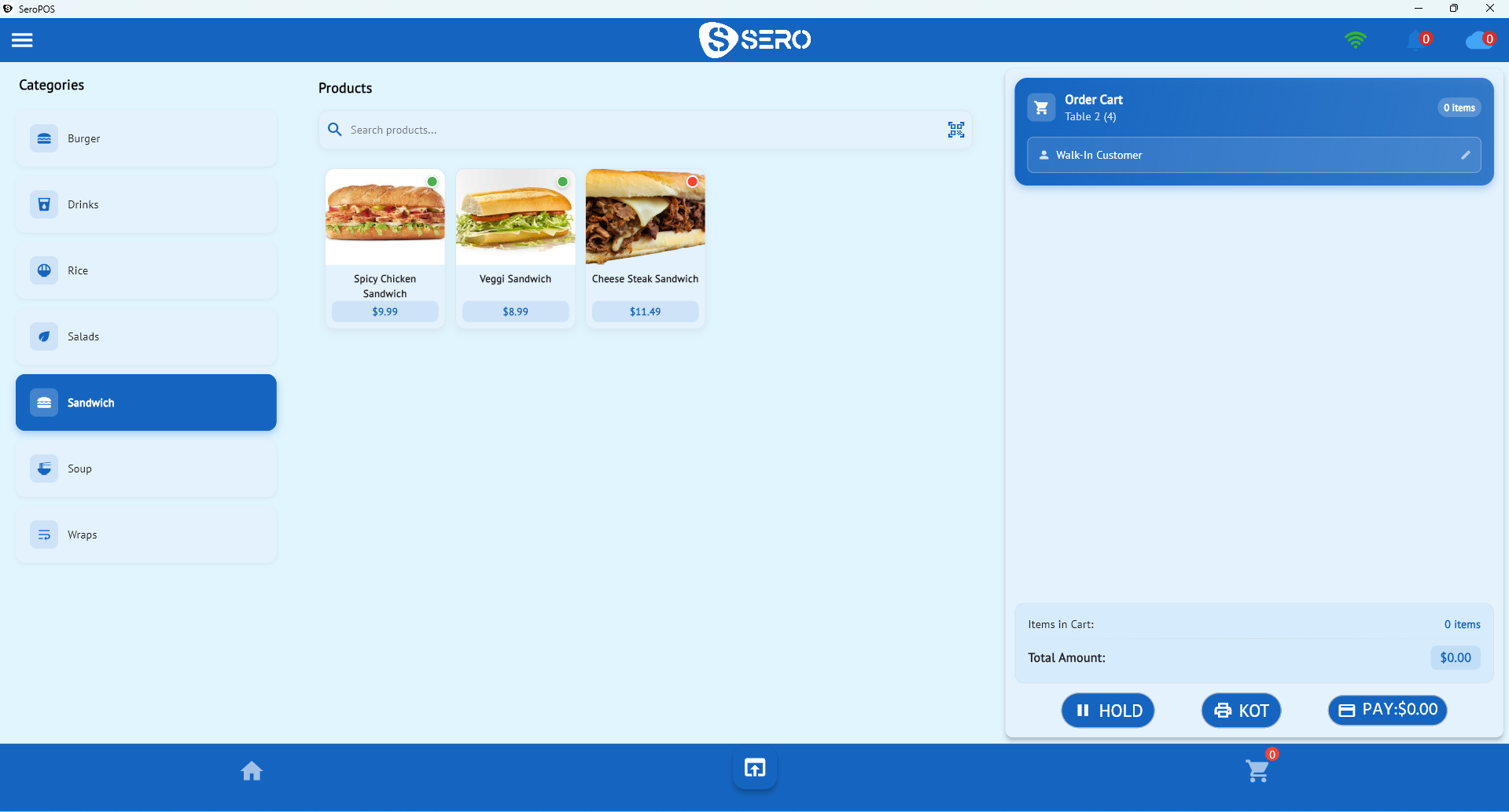
- Products pre-loaded with prices, so checkout is a tap
- Card + cash — still take cash, but count a float in and out
- Digital receipts by email, which also builds your customer list
Keeping stock honest
The core discipline: every sale, wherever it happens, goes through the same system. Market sale, Instagram order, online checkout, direct sale — all of them. Then your stock number means something and your online store can't sell what you sold on Saturday.
If you sell online through Shopify or WooCommerce, connect it so the catalogue and orders stay aligned. See the retail POS guide.
Records, tax and growing up
Two habits that make future-you grateful:
- Record every sale with its tax. Your POS should report tax collected by period, which is what you'll need at filing time. In Canada, register for GST/HST once you cross the small-supplier threshold — check your specific situation with an accountant.
- Track cost prices. Without them you can't see margin, and "busy" can hide "unprofitable."
Knowing what's actually working
Once a few months of sales are in one place, the reports answer real questions: which products carry your revenue, whether markets outperform online after stall fees, and which season deserves more stock. That's the point where a home business starts making decisions instead of guesses.
Growing into a shop
If the business outgrows the spare room, nothing has to change: the same account supports multiple locations, staff logins with permissions, and purchase orders. Your history comes with you.
Download SeroPOS — $30/month after a 14-day free trial, no credit card, no contract.