

Repair shops get badly served by ordinary POS software. The transaction is the easy part; the hard part is the two weeks between a customer handing over a cracked phone and collecting it. A repair shop POS system has to track jobs, parts and status — not just take money.
Key takeaways
- Job sheets are the core record: device, fault, quote, parts, status, customer.
- Parts are inventory with cost prices, so you can see margin per repair.
- A customer status page removes a large share of "is it ready yet?" calls.
- Accessories sales belong in the same system as repairs.
- SeroPOS includes a repair module at $30–$50/month — no repair-specific software needed.
The job sheet is the product
Every repair needs one record that holds everything:
| Field | Why it matters |
|---|---|
| Customer name & phone | Contact, and matching device to owner |
| Device model | Parts compatibility, common faults |
| Reported fault | What they said is wrong |
| Diagnosis | What's actually wrong |
| Quote & approval | Avoiding disputes at collection |
| Parts used | Cost, stock deduction, warranty |
| Status | Received → diagnosed → awaiting parts → in progress → ready |
| Technician | Accountability and workload |
| Deposit / balance | Money already taken |
Kept on paper, this is where repair shops lose money and trust: a lost sheet, an unrecorded quote, a device nobody can match to a customer.
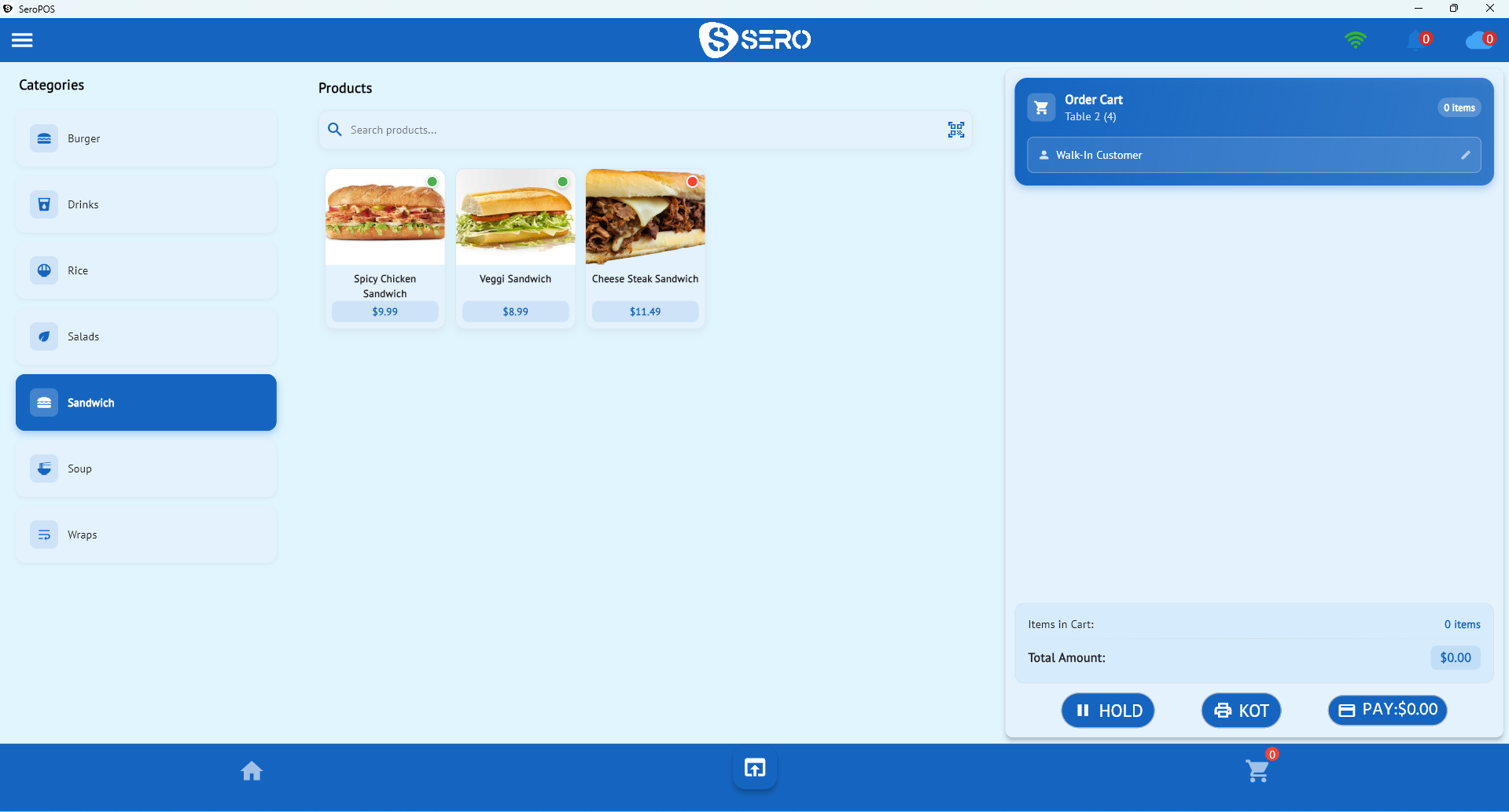
SeroPOS includes a repair module with device models, job sheets, repair statuses and a customer-facing status page.
Parts inventory changes your margin picture
Treat parts as stock items with cost prices, and two useful things happen:
- Consuming a part on a job deducts stock, so you know what you have without opening drawers
- The job carries its true cost, so you can see margin per repair rather than per month
That second point is where most shops discover something uncomfortable: a repair type they do constantly is barely profitable once the part cost and time are counted. You can only fix what you can see.
Set par levels on your fastest-moving parts — common screens and batteries — using the same inventory discipline any stockholding business needs.
Status tracking cuts your phone volume
A meaningful share of repair-shop interruptions is "is my phone ready?" A customer status page — where someone can check progress themselves — removes most of them, and makes the shop feel more professional than a handwritten ticket.
Keep statuses few and meaningful. Five is plenty:
Received → Diagnosed → Awaiting parts → In progress → Ready for collection
More granularity helps nobody and gets skipped by busy technicians.
Accessories: the margin your repairs subsidise
Cases, screen protectors, chargers and cables carry far better margins than most repairs, and the moment someone collects a repaired phone is the single best time to sell a case for it.
That means accessories need proper retail handling — barcodes, variants (colour, model), stock counts and cost prices — in the same system as your jobs, so one report shows both revenue streams.
Numbers worth watching
| Metric | What it tells you |
|---|---|
| Jobs by status | Where the bottleneck is (usually parts) |
| Average turnaround time | Your main service promise |
| Margin by repair type | What's worth doing more of |
| Parts usage | What to keep in stock |
| Accessory attach rate | Whether staff are asking |
| Revenue split repair vs retail | The real shape of the business |
Customers and repeat work
Repair customers come back — devices break again, families have several. Customer profiles with device and job history mean you can answer "you replaced this screen in March" instantly, which is both good service and a warranty control. Adding loyalty points on accessories gives them a reason to buy from you rather than online.
The setup
| Item | Cost |
|---|---|
| PC or tablet (owned) | $0 |
| Receipt printer | $150–$400 |
| Label printer (parts/jobs) | $150–$400 |
| Barcode scanner | $30–$120 |
| Cash drawer | $80–$200 |
| SeroPOS | $30–$50/month |
Most repair-specific software costs considerably more and does less on the retail side.
Download SeroPOS and set up your first job sheets during the 14-day free trial — no credit card required.