

The second location is where a business either becomes a system or becomes two jobs. Managing multiple sites well is less about software features than about standardization — but the software determines whether you can see what's happening without driving there.
Key takeaways
- Run every location from one account — separate systems guarantee divergence.
- Keep menus, recipes and prices identical at first; it makes comparison meaningful.
- Compare stores on four metrics and investigate the gaps.
- Stock transfers beat emergency retail purchases when one store runs short.
- Role-based permissions let managers see their store and only their store.
One account, not two systems
The most common early mistake is running location two as a separate installation. It seems harmless and then compounds: menus drift, prices diverge, reporting requires manual consolidation, and you can't answer basic questions without two logins and a spreadsheet.
A proper multi-location setup gives you:
| Capability | Why it matters |
|---|---|
| Shared product catalogue | One menu change, everywhere |
| Per-location settings | Hours, printers, tax, delivery zones differ legitimately |
| Stock transfers | Move inventory instead of re-buying at retail |
| Per-location reporting | Compare like with like |
| Consolidated reporting | See the business, not the branches |
| Role-based permissions | Managers see their store; you see all |
Standardize before you scale
Anything not standardized drifts the moment you're not in the room:
- Menu and pricing — identical across sites unless there's a real cost reason
- Recipes and portions — the basis of consistent quality and comparable food cost
- Modifier structure — build once, replicate (setup guide)
- Opening/closing checklists — written, not remembered
- Reporting cadence — same reports, same day, every week
The four comparison metrics
Resist tracking twenty things. Compare these per store, weekly:
| Metric | A gap usually means |
|---|---|
| Net sales | Demand, location quality, local marketing |
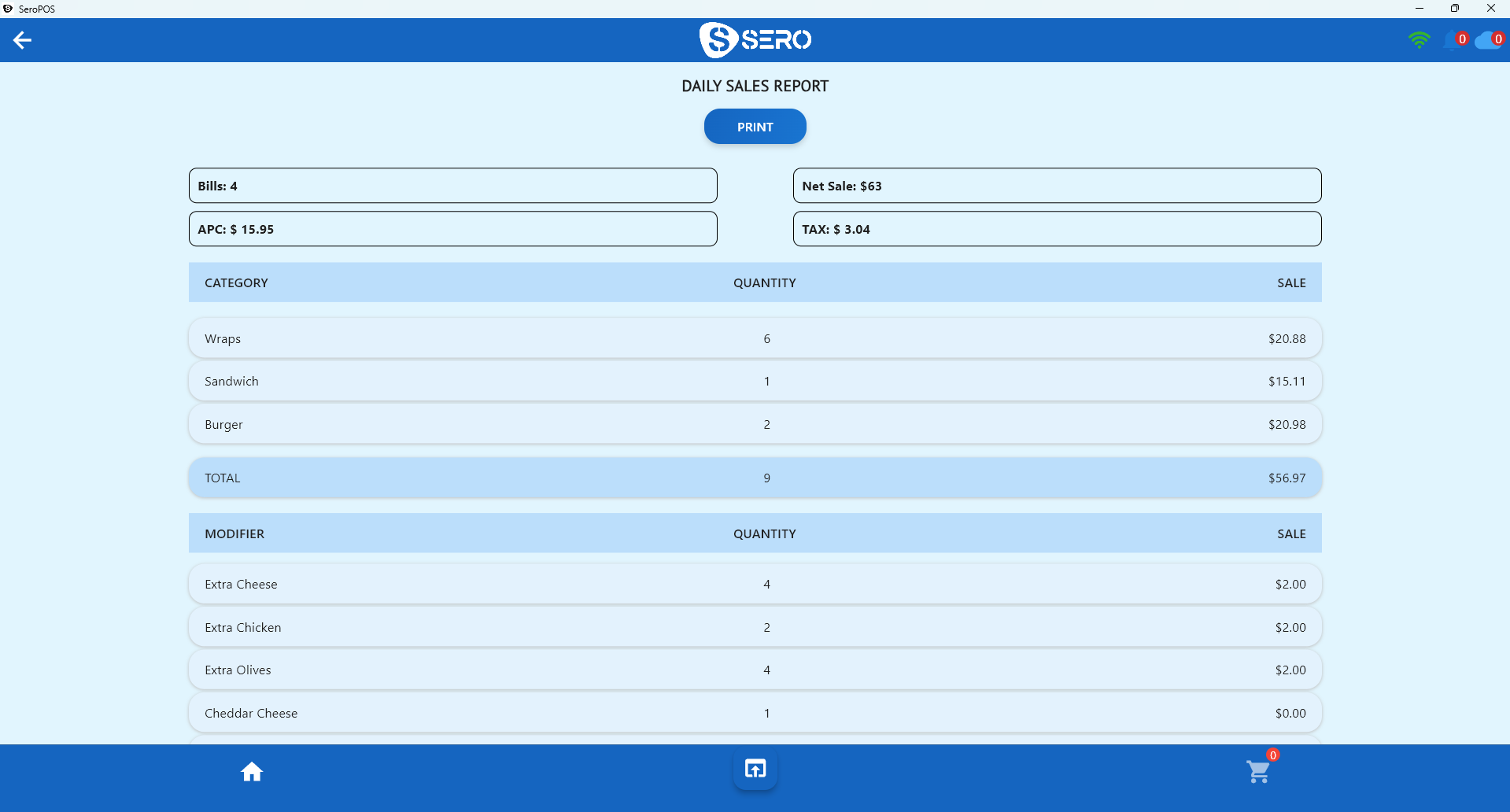
| Average per cheque | Upselling discipline and menu execution |
| Food cost % | Portion control and waste at that site |
| Sales per labour hour | Scheduling accuracy |
When store B's food cost runs four points above store A on the same menu and same suppliers, that's a portioning or waste problem at store B — specific and fixable, not "a different neighbourhood."
Inventory across locations
Two disciplines matter:
Stock transfers. When one store runs short of a key item mid-week, transferring from the other beats an emergency cash-and-carry run at retail prices — and keeps both counts accurate. See inventory management for the underlying practices.
Per-location par levels. Stores have different volumes and delivery schedules. Copying store A's pars to store B is how you get simultaneous overstock and stockouts.
Permissions and trust
Role-based access is not about suspicion; it's about clarity:
- Store manager — their location's sales, staff and stock
- Area manager — several locations, no billing access
- Owner/admin — everything, including subscription and integrations
Combined with staff attendance and shift tools, you get a clear picture of who worked when without daily phone calls.
What breaks at three locations
Things that were fine with two:
- Informal communication. A group chat stops working; you need written standards.
- Personal quality control. You can't taste-test three kitchens nightly — recipes and checklists have to carry it.
- Ad-hoc scheduling. Cross-location staffing needs a system.
- Manual consolidation. Spreadsheet roll-ups eat your week; reporting must be built in.
Practical rollout order
- Get location one genuinely systematized — documented, profitable, running without you daily
- Add location two under the same account with the shared catalogue
- Configure per-location settings (hours, printers, taxes, zones)
- Set independent par levels
- Establish weekly four-metric comparison from week one
- Promote an existing manager rather than hiring a stranger into the standard
If you're specifically expanding a pizzeria, the multi-location pizzeria playbook covers the operational detail.
Multi-location management is included in SeroPOS from the Standard plan — see pricing or download the app for a 14-day free trial.