

The second pizzeria is the hardest one. The first taught you the business; the second teaches you whether you built a system or just a job. This is the operational playbook for going multi-location without burning out or watching quality slide.
Key takeaways
- Don't expand until store one runs profitably without you there daily.
- Keep menus, recipes, and prices identical at first — it makes training and comparison possible.
- Manage all locations from one POS account with per-location reporting and stock transfers.
- Compare stores on the same four metrics; investigate gaps rather than averaging them away.
- Your real product at this stage is documented process, not pizza.
The readiness test
Before signing a second lease, answer honestly:
- Does store one run without you? If you take two weeks off, does quality hold? If not, you'd be opening a second store that also needs you — and you only exist once.
- Do you have a manager, not just staff? Someone who owns the standard when you're not there.
- Is the concept documented? Recipes, prep lists, opening/closing routines, and the modifier setup in your POS.
- Can you fund six slow months? New stores rarely open at full volume.
- Is store one genuinely profitable — not "busy," profitable? Check your food cost before assuming.
If three or more of those are shaky, the highest-return project isn't a second store — it's fixing the first.
Standardize before you multiply
Everything you haven't standardized will drift immediately once you're not in the room. Lock down:
- Menu and prices. Identical across stores. Divergence makes comparison meaningless and confuses customers who visit both.
- Recipes and portions. Same dough weight, same cheese grams. This is what keeps a customer's experience consistent.
- Modifier setup. One configuration, copied — see the modifier guide.
- Prep and closing checklists. Written down, not carried in a head.
- Supplier and pricing agreements. Volume across two stores should improve your terms; ask.
One system, many stores
The operational core of multi-location is refusing to run separate islands. In SeroPOS, chain store management gives you:
- All locations under one account — no toggling between logins.
- Per-location settings where they genuinely differ (hours, delivery zones, printers, tax settings).
- Stock transfers between stores, so a Friday cheese shortage at one shop is solved from the other's walk-in rather than the cash-and-carry.
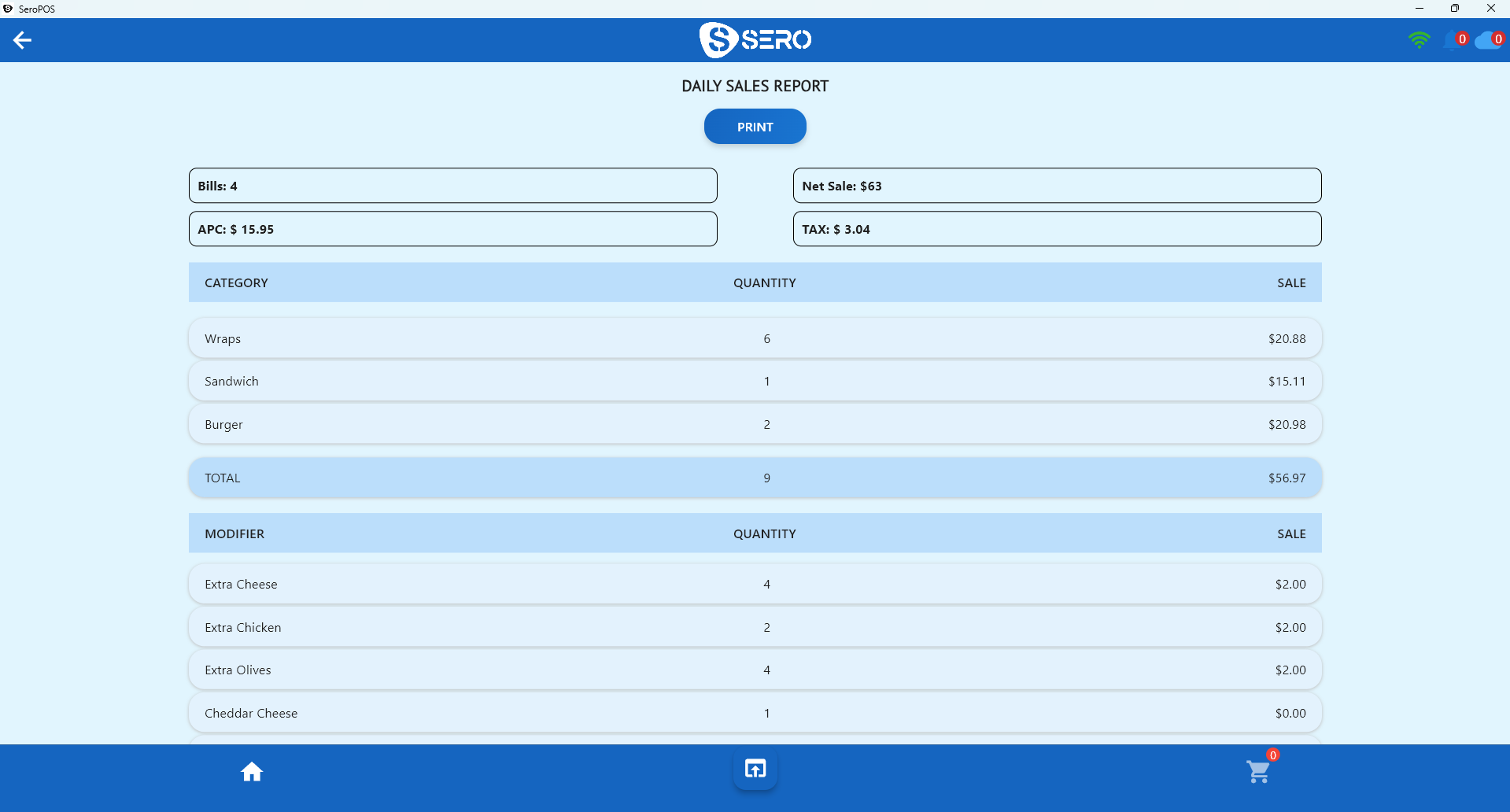
- Consolidated and per-location reporting — see the chain, then drill into a store.
- Role-based user permissions so a store manager sees their store, and only you see everything.
The four numbers to compare weekly
Resist the urge to track twenty metrics. Compare these, per store, every week:
| Metric | What a gap tells you |
|---|---|
| Net sales | Demand and marketing reach |
| Average per cheque | Upselling discipline and menu mix |
| Food cost % | Portion control and waste at that store |
| Sales per labour hour | Scheduling accuracy |
When two stores diverge on one metric, that's a specific, fixable problem — usually training or scheduling, not "that neighbourhood is different."
Staffing the second store
The classic mistake is opening store two with all-new staff and a new manager. Instead:
- Promote from store one into the manager role — someone who already holds the standard.
- Backfill store one, which is easier because that team is established and can train.
- Cross-train deliberately so staff can cover both stores when someone calls in sick.
- Use built-in HRM tools (attendance, shifts, clock-in) so scheduling and hours don't sprawl into text messages.
Marketing two locations
- Each store needs its own Google Business Profile with correct hours, address, and a direct online ordering link.
- Keep loyalty shared across stores — a customer who moves neighbourhoods should keep their points (loyalty guide).
- Set delivery zones that don't overlap, or you'll have two of your own stores competing for one address.
The honest risk
Multi-location amplifies whatever you already have. Strong systems get stronger; weak systems break in two places at once, in two neighbourhoods, with double the payroll. Do the unglamorous work — documented recipes, clean POS setup, real reporting — before the second lease, not after.
Everything above runs on one subscription; see the pricing page for what's included, and download SeroPOS to try multi-location management free for 14 days.