

A restaurant POS system is the operational spine of a food business: it takes the order, tells the kitchen, takes the money, and keeps the record. Everything else — inventory, loyalty, reporting, accounting — hangs off those four jobs. This guide explains what modern systems do, what they cost in 2026, and how to pick one without a three-week sales process.
Key takeaways
- A POS is four core jobs: order, kitchen, payment, record — judge systems on those first.
- Cloud POS replaced the old model: monthly subscription, automatic updates, access from anywhere, your own hardware.
- Expect $30–$165/month for software; be suspicious of long contracts and mandatory hardware leases.
- The features that separate systems are modifiers, kitchen routing, ordering channels, and reporting depth.
- You should be able to trial a modern POS for free without talking to a salesperson.
The four jobs of a restaurant POS
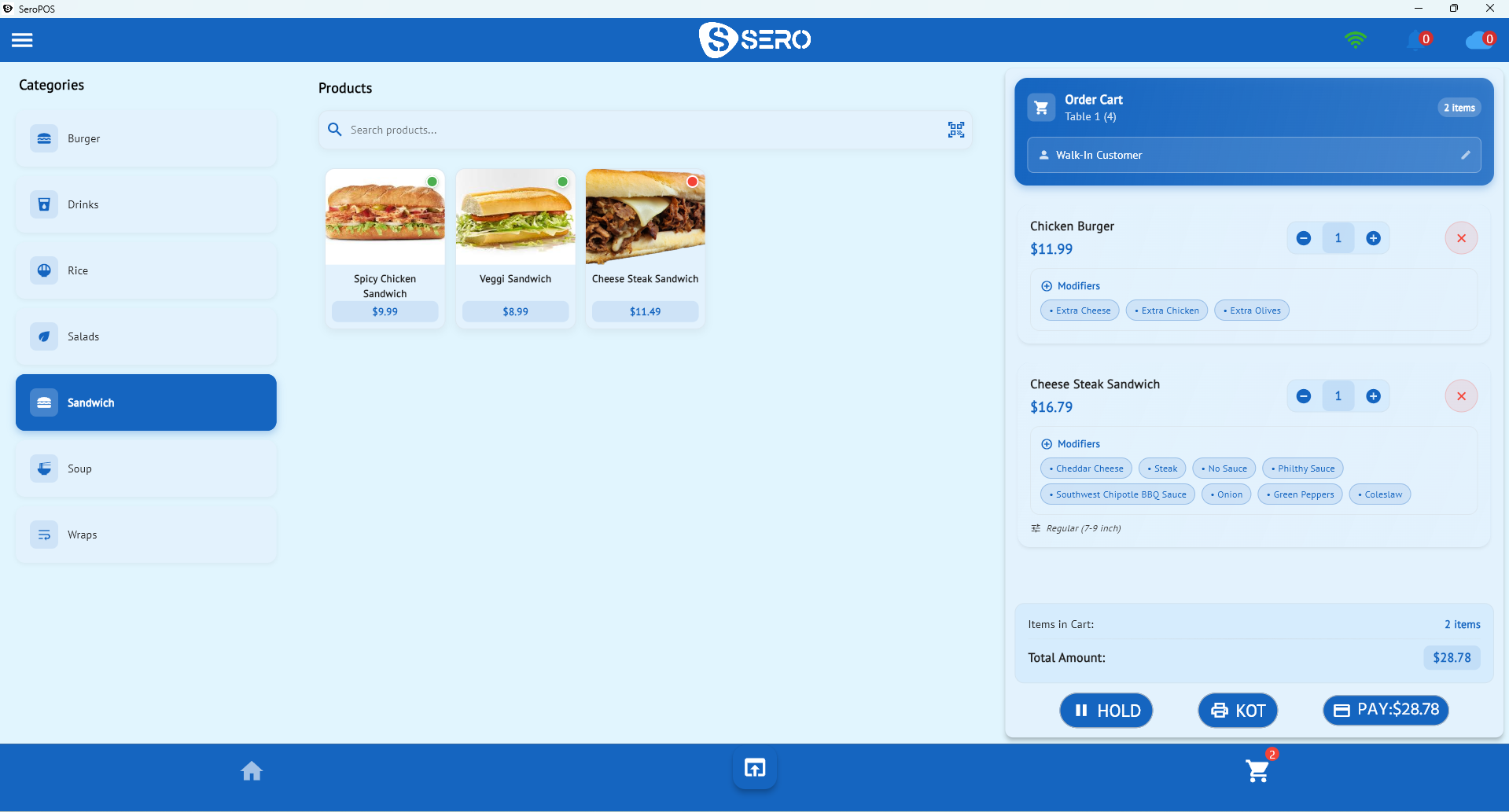
1. Take the order. Fast, accurate entry with the modifiers your menu needs — sizes, cooking temperatures, substitutions, allergen notes.
2. Tell the kitchen. Printed kitchen tickets (KOT) or a kitchen display system, routed to the right station.
3. Take the money. Card, cash, mobile wallets, split bills, tips, discounts, loyalty redemption — ideally with an integrated terminal so amounts are never typed twice.
4. Keep the record. Every sale logged, searchable, reportable, and reconcilable at close.
If a system does those four things well, everything else is upside. If it does any of them badly, no feature list rescues it.
What modern systems add
Since about 2020, the baseline expanded considerably. A current restaurant POS should also include:
| Capability | Why it matters |
|---|---|
| Table & floor management | Visual layout, live status, tableside ordering |
| Kitchen display (KDS) | Replaces paper, timestamps tickets, cuts remakes |
| Online ordering & QR menus | Commission-free direct channels |
| Inventory tracking | Real-time stock, low-stock alerts, purchase orders |
| Recipe / ingredient costing | True food cost per dish |
| Customer profiles & loyalty | Repeat business, targeted offers |
| Multi-location management | One account, per-store reporting, stock transfers |
| Accounting sync | Sales and taxes into QuickBooks or Xero automatically |
| Staff management | Attendance, shifts, permissions |
| Reporting | Sales, profit & loss, tax, register/Z-reports |
SeroPOS includes all of the above in one subscription — see the restaurant features page for the detail.
Cloud POS vs. traditional systems
| Traditional (legacy) | Cloud POS | |
|---|---|---|
| Cost model | Large upfront licence + support contract | Monthly subscription |
| Hardware | Proprietary, often leased | Devices you already own |
| Updates | Paid, scheduled, disruptive | Automatic, included |
| Access | Only on-site | From anywhere |
| Data | On a PC in the back office | Synced and backed up |
| Lock-in | Multi-year contracts | Cancel monthly |
The trade-off people worry about is internet dependence. Be realistic about it: cloud systems need connectivity for sync and card processing. Ask any vendor precisely what happens during an outage rather than accepting "it works offline" at face value. For more, see cloud POS vs legacy systems.
What it costs in 2026
| Cost | Typical range | Notes |
|---|---|---|
| Software per location | $30–$165/month | Watch for per-module add-ons |
| Payment processing | 2.4%–3.0% + per-transaction | Negotiable at volume |
| Receipt/kitchen printer | $150–$400 each | Standard ESC/POS |
| Terminal | Provider-dependent | Integrated beats standalone |
| Tablet/PC | $0 if you own one | No proprietary requirement |
SeroPOS sits at the bottom of that software range — $30/month Standard, $50/month Pro — because it runs on your hardware. Full breakdown on the pricing page, and a wider industry comparison in how much a POS system really costs.
How to choose: a practical test
Ignore feature lists and run these five tests during a free trial:
- Build your hardest order. For a pizzeria that's a half-and-half; for a burger bar it's a full modifier stack. Time it.
- Print a kitchen ticket. Is it unambiguous to someone who didn't take the order?
- Split a bill four ways with mixed cash and card.
- Close the day. Can you reconcile card, cash, and tax in under ten minutes?
- Find last Tuesday's $47 sale. Search and reporting should make this trivial.
Any system that passes all five will serve you for years. Most demos never show you steps 4 and 5 — which is exactly why you should trial rather than watch.
Setup: what a realistic first day looks like
- Install the app on your tablet, PC, or Mac
- Create your business and locations
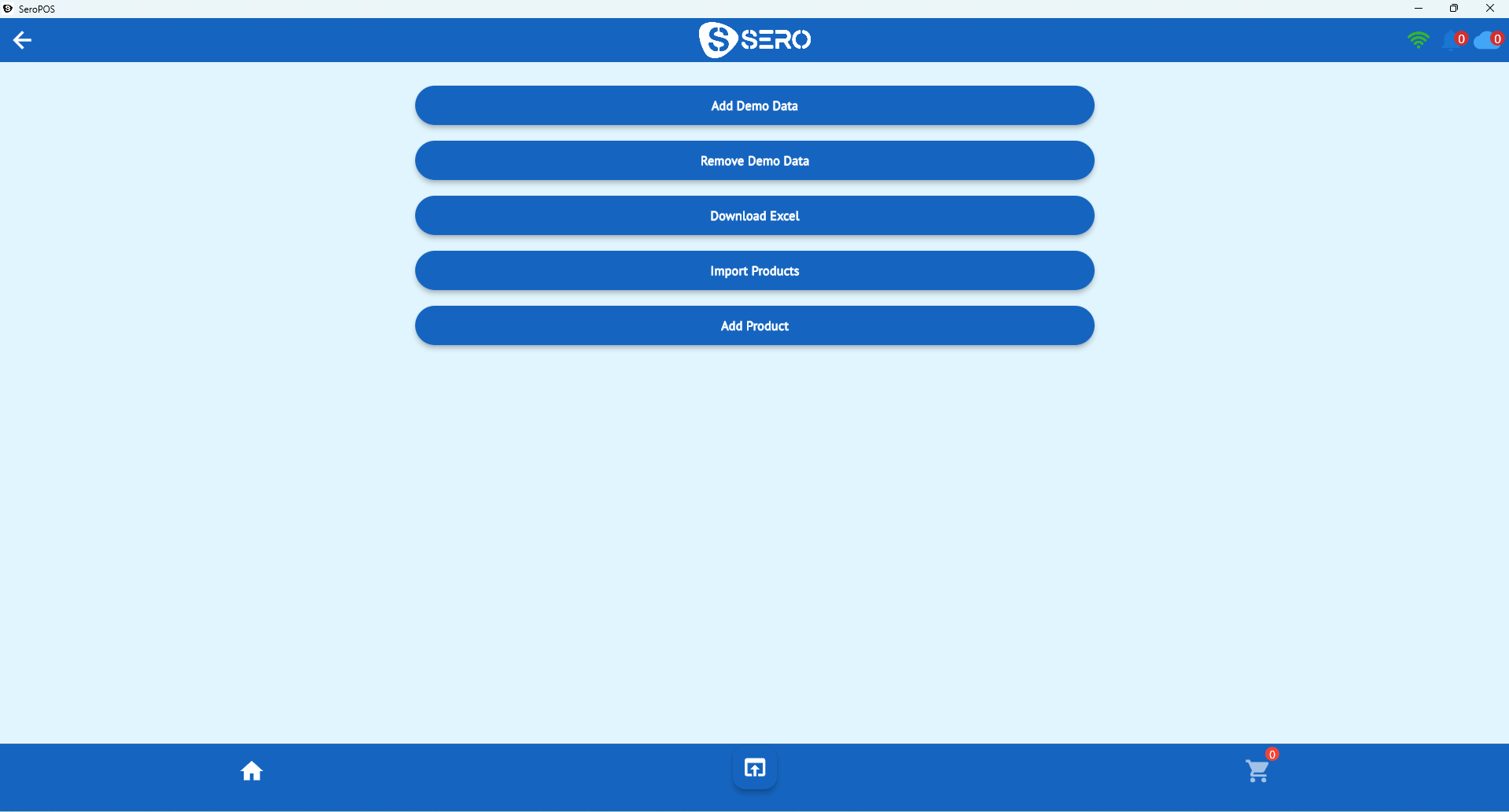
- Build categories, products, and modifier groups — or import products from Excel
- Connect receipt and kitchen printers (auto-detected over USB or network)
- Pair your payment terminal
- Practice a few orders with demo data, then go live
Red flags when shopping
- Multi-year contracts with early termination fees
- Mandatory hardware leases that outlast the hardware
- Processing lock-in — you should be able to change processors
- Per-terminal software fees that punish you for adding a till
- No trial without a sales call — if you can't try it, you can't judge it
- Charging extra for reports that should be standard
Getting started
The fastest way to evaluate a restaurant POS is to run a quiet shift on it. Download SeroPOS, build your menu, and take real orders during the 14-day free trial — no credit card, no sales call, and a built-in knowledge base on every screen if you get stuck.
Next reads: kitchen display systems explained, restaurant table management, and how to switch POS systems.