

"Cloud POS" stopped being a differentiator years ago — nearly every new system is one. The question worth asking now is what genuinely changes when you move off a legacy on-premise system, and what the honest trade-offs are.
Key takeaways
- Cloud shifts cost from a large upfront licence to a monthly subscription you can cancel.
- Updates, backups and security patching become the provider's job, not yours.
- You can see live sales from anywhere — the biggest day-to-day change for owners.
- The real trade-off is internet dependence — ask vendors exactly what happens in an outage.
- Always confirm data export before you commit.
The practical differences
| Legacy on-premise | Cloud POS | |
|---|---|---|
| Upfront cost | $3,000–$15,000+ licence | $0–$300 |
| Ongoing | Support contract, paid upgrades | Monthly subscription |
| Hardware | Proprietary, often leased | Devices you already own |
| Updates | Scheduled, sometimes charged | Automatic, included |
| Backups | Your responsibility | Provider-managed |
| Remote access | Rare or clunky | Standard |
| Multi-location | Complex, often per-site installs | Built in |
| Contract | Multi-year typical | Monthly |
| Failure mode | Back-office PC dies, day ruined | Internet drops, degraded |
What owners actually notice
Seeing sales from anywhere. The single most-cited benefit. Checking today's numbers from home on a Sunday, or from a second location, changes how attentively most owners run the business.
Updates that just happen. Legacy systems accumulate technical debt because upgrades cost money and downtime, so restaurants run five-year-old versions. Cloud systems ship improvements continuously.
No back-office server. The PC under the desk that nobody backed up was a single point of catastrophic failure in thousands of restaurants. Its absence is quietly a big deal.
Cheap entry, easy exit. Monthly billing means a bad decision costs you a month, not a five-year lease.
The honest downsides
Internet dependence. This is the real one. Card processing needs connectivity regardless of your POS architecture, but a cloud POS also needs it for sync. Mitigations: a backup connection (a phone hotspot or cellular tablet), a paper fallback for twenty minutes of chaos, and knowing which functions degrade gracefully.
Be sceptical of blanket "works fully offline" marketing — ask precisely which operations continue and what happens to them when the connection returns.
Ongoing cost forever. You never "own" it. For most small businesses that's a feature, not a bug, since you were paying support contracts and upgrade fees on the old model anyway.
Provider dependence. If they raise prices, get acquired, or shut down, you move. Mitigate by insisting on data export and avoiding long contracts.
What to ask any cloud vendor
- Exactly what happens during an internet outage?
- What data can I export, in what formats?
- Is there a contract term or early termination fee?
- Am I locked into your payment processing?
- What's the total monthly cost with everything I need enabled?
- How often do you ship updates, and can they break my setup mid-service?
- Is support available during my actual trading hours?
Answers to #1, #2 and #4 tell you most of what you need to know about a vendor's confidence and intentions.
Migration is easier than it used to be
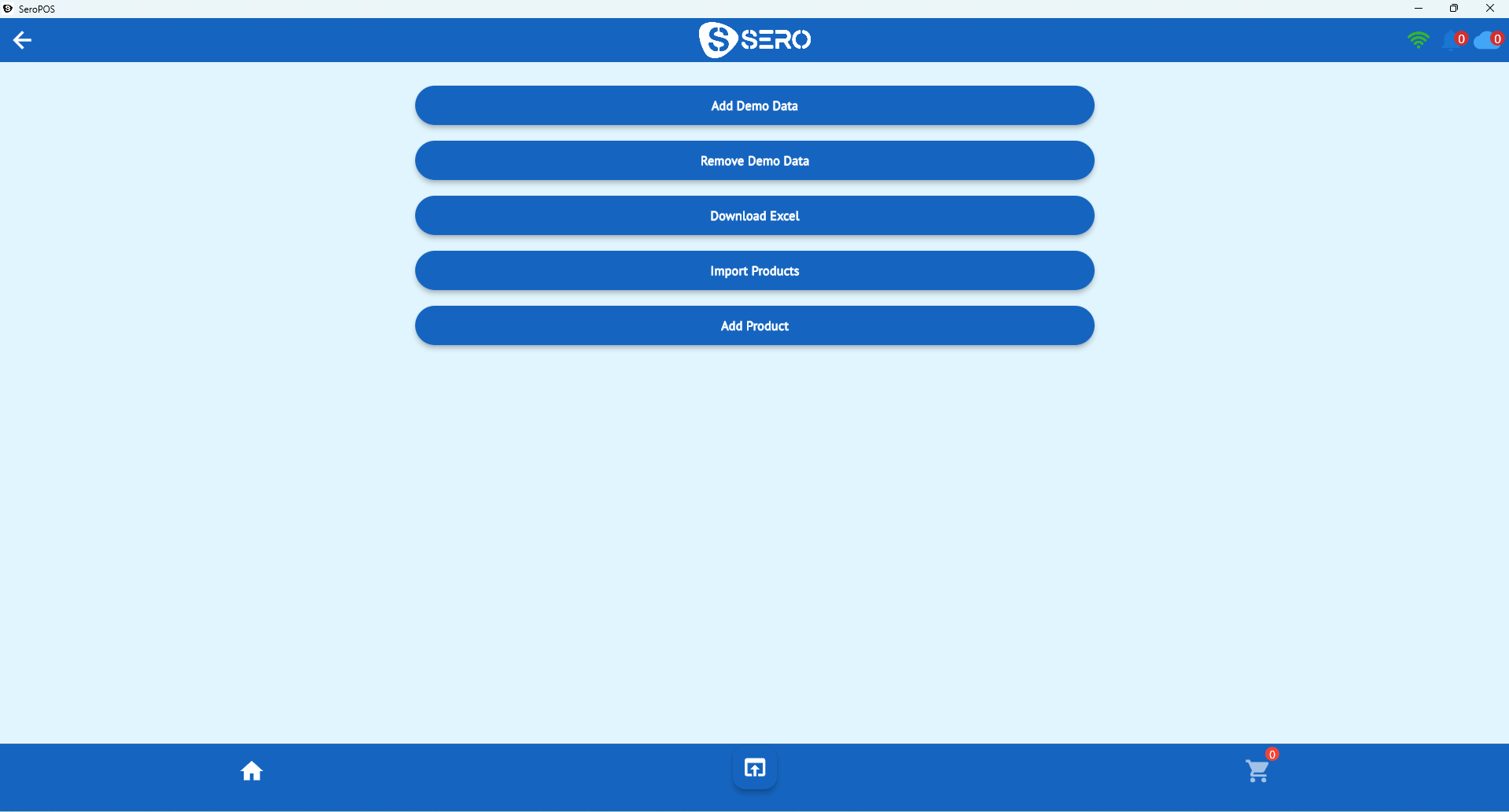
The historical objection — "switching is a nightmare" — mostly reflected legacy-to-legacy migrations. Moving to a modern cloud POS usually means: install the app, bulk-import products from Excel, rebuild modifiers, pair printers, practice a shift, go live. See the full POS switching guide.
Where SeroPOS sits
Cloud platform, native apps on iOS, Android, Windows and Mac, $30–$50/month, no contract, hardware you already own, and Excel/PDF export on every report. The trial is 14 days with no credit card — which is the only way to genuinely evaluate any of the claims above.
Related: what is a restaurant POS system · POS system cost · download SeroPOS.