Pop-ups are a specific kind of hard: a shop that has to exist in twenty minutes, run all weekend on borrowed power and questionable Wi-Fi, then vanish. A pop-up shop POS should be light, fast to set up, and billed monthly so you’re not paying for a system in the months you’re not trading.
Key takeaways
- Load your catalogue before the event — setup on-site should be minutes, not hours.
- Bring your own connectivity: cellular or hotspot, never venue Wi-Fi.
- Power banks are not optional — a full trading day drains a tablet.
- Use limited staff accounts for weekend helpers.
- Monthly, no-contract billing means you only pay while you're trading.
The pack list
| Item | Why |
|---|---|
| Tablet or phone (charged) | The register |
| Power bank + cables | The day is longer than the battery |
| Mobile card reader / terminal | Most sales will be card |
| Cash float in a lockable tin | Some customers still bring cash |
| Compact printer (optional) | Or use digital receipts |
| Cellular data or hotspot | Venue Wi-Fi will disappoint you |
Anything else is weight you’ll regret carrying at the end of the night.
Prepare before you arrive
The difference between a smooth pop-up and a chaotic one is entirely preparation:
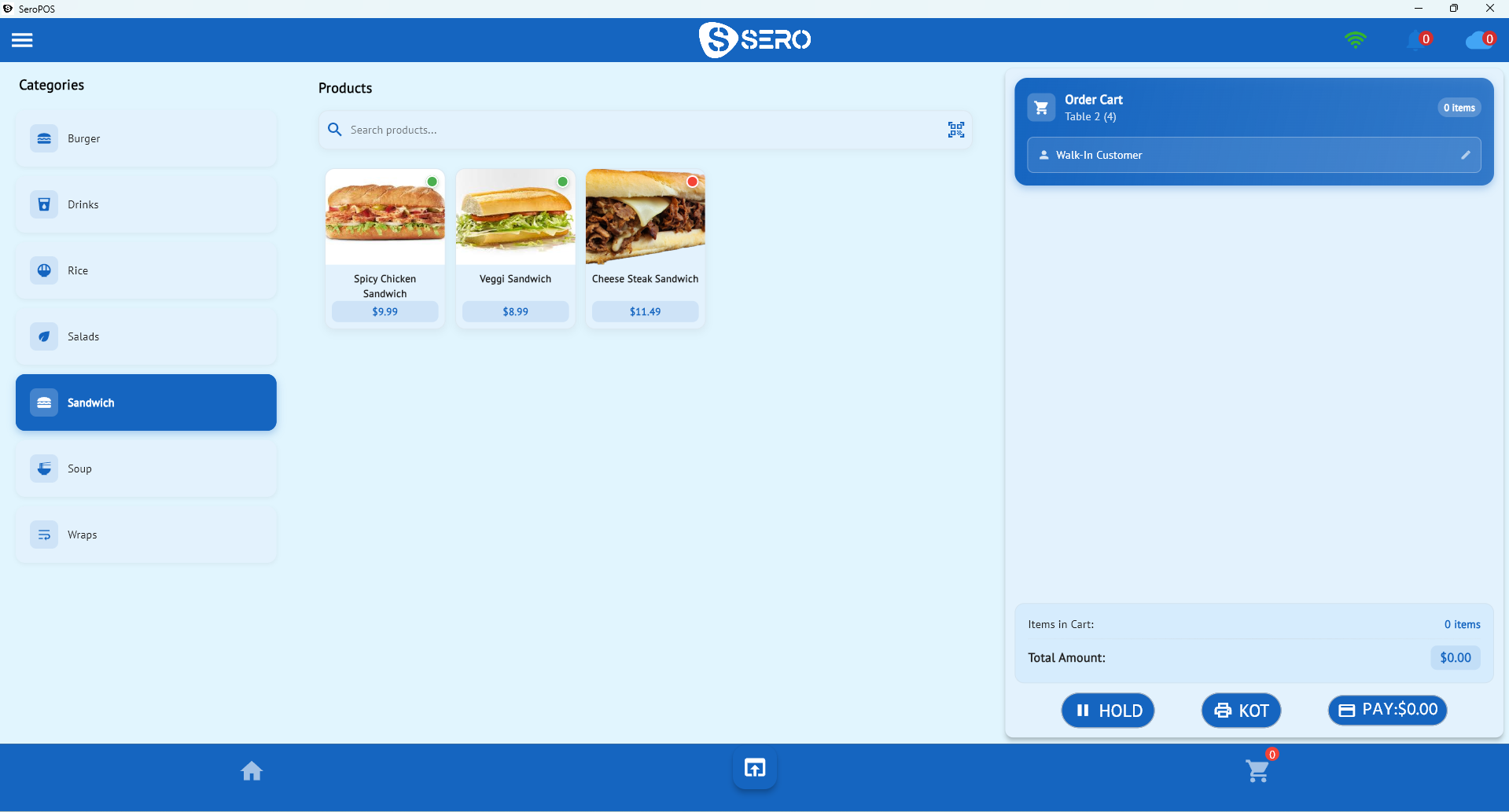
- Load products with correct prices and any variants
- Test a sale at home — ring one item, take a test payment, void it
- Charge everything, including the power bank
- Set up staff accounts for anyone helping
- Screenshot your fallback plan — what to do if the network dies
Connectivity, honestly
Card payments need a network. Venue Wi-Fi at a busy market is typically overloaded by mid-morning. Plan:
- Primary: cellular data on the device or a dedicated hotspot
- Backup: a second phone’s hotspot
- Last resort: cash-only with a written tally you enter afterwards
Knowing the last-resort plan in advance is what keeps a dead network from becoming a lost day.
Stock across pop-ups and online
If you also sell online, run both through one system so a Saturday sale removes that item from your online availability. This matters most for one-of-a-kind goods, where overselling means an awkward refund email. See the retail POS guide.
Between events, a quick count keeps the numbers honest — pop-up stock moves in and out of boxes constantly, which is exactly the situation where counts drift.
Helpers and accountability
Weekend helpers should be able to sell and nothing else:
- Create a limited user account per helper
- Restrict refunds, discounts and product edits to you
- Review the day’s sales by user afterwards
It takes two minutes and removes an entire category of awkward conversation.
After the event
The value of running proper POS at a pop-up shows up afterwards:
- Which products sold — informs what you make or buy next
- Revenue vs. stall fee — was this event worth it?
- Average per cheque — are you bundling well?
- Customer emails from digital receipts — your list for the next event
Compare events over a season with your sales reports and you’ll quickly know which markets deserve a rebooking.
Only pay when you trade
SeroPOS is $29.99/month with no contract, so a seasonal pop-up business isn’t paying through a quiet winter. Your catalogue and sales history remain when you resubscribe.
Download SeroPOS and set up before your next event — 14-day free trial, no credit card.