A food truck is the harshest test a point-of-sale system faces: no reliable Wi-Fi, no power outlet, no counter space, and a queue that forms all at once. Choosing a mobile POS for a food truck is mostly about eliminating the things that fail at the worst moment.
Key takeaways
- Plan for connectivity failure — cellular tablet plus hotspot backup, and a cash-only fallback plan.
- Power is the second constraint: run the till on permanent power, not tablet battery.
- Keep the hardware list short — every extra device is another thing to mount and charge.
- Menu items must be hideable in seconds when you sell out.
- Cloud POS on your own phone or tablet keeps the setup cheap and replaceable.
The constraints that actually matter
Connectivity. Card payments require a network no matter which POS you choose. A cellular-enabled tablet is worth the extra cost; a phone hotspot makes a decent backup. Know in advance what you’ll do if both fail at a festival — usually cash-only with a paper tally.
Power. Tablets don’t survive a ten-hour service on their own battery with the screen bright. Wire the till to your truck’s power and keep a spare cable at the window.
Space. The service window is tiny. One tablet on a fixed mount beats a sprawl of devices.
Weather. Cold kills batteries; direct sun makes screens unreadable and drives thermal printers strange. Position accordingly.
A setup that works
| Item | Why |
|---|---|
| Phone or tablet (cellular preferred) | The register itself |
| Sturdy mount | Frees hands, survives bumps |
| Compact receipt printer (optional) | Order tickets or receipts |
| Payment terminal | Integrated so totals aren’t keyed by hand |
| Power routing + spare cables | The thing that ruins days |
That’s it. Anything else is optional weight.
Running a menu that changes
Trucks sell out. Your POS should let you hide an item in two taps from the device in your hand — and if you take online or QR orders, that change should hit the online menu at the same time so nobody buys a burrito you ran out of an hour ago.
Payments on the road
- Integrated terminal so the amount comes from the register, not from typing (why that matters)
- Tap and mobile wallets — the majority of food-truck payments
- Cash float discipline — count in and out for every service
- Digital receipts by email or SMS instead of paper
Reporting that helps a truck
Location and weather drive food-truck sales far more than menu tweaks. Your daily sales reports tell you which pitches, days and events are actually worth booking again — often the most valuable thing a truck operator learns in a season.
Track by service: net sales, covers, average per cheque, and top items. After a season you’ll know which events to rebook and which to skip.
Multi-truck and events
If you run more than one truck, or a truck plus a bricks-and-mortar location, run them under one account with per-location reporting so you can compare pitches and share a product catalogue.
Getting started
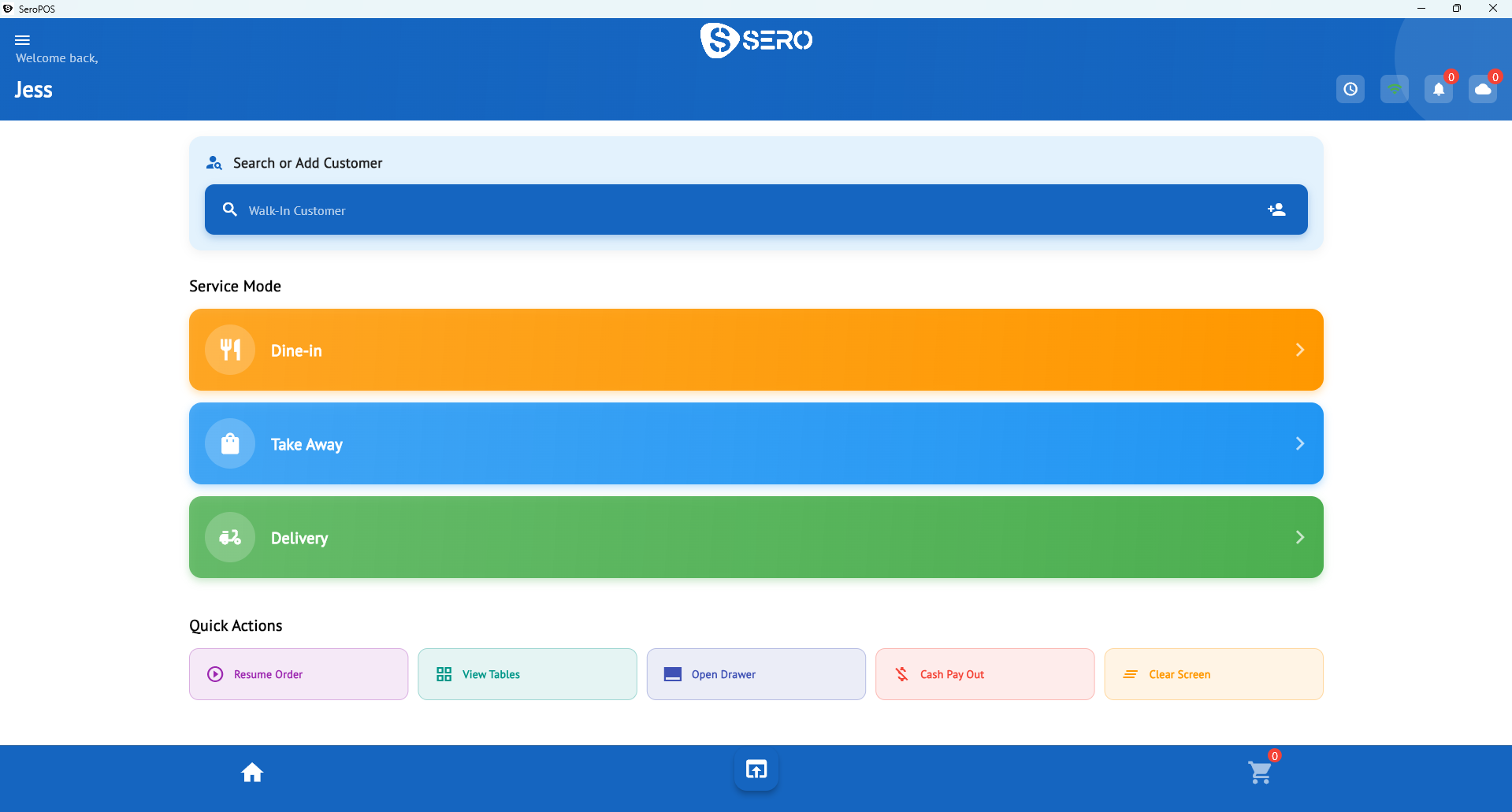
SeroPOS runs on the phone or tablet you already own, costs $29.99–$49.99/month with no contract, and works with standard printers and Canadian payment terminals including Global Payments and Moneris.
Download SeroPOS and run a full service on the 14-day free trial — no credit card, no sales call.